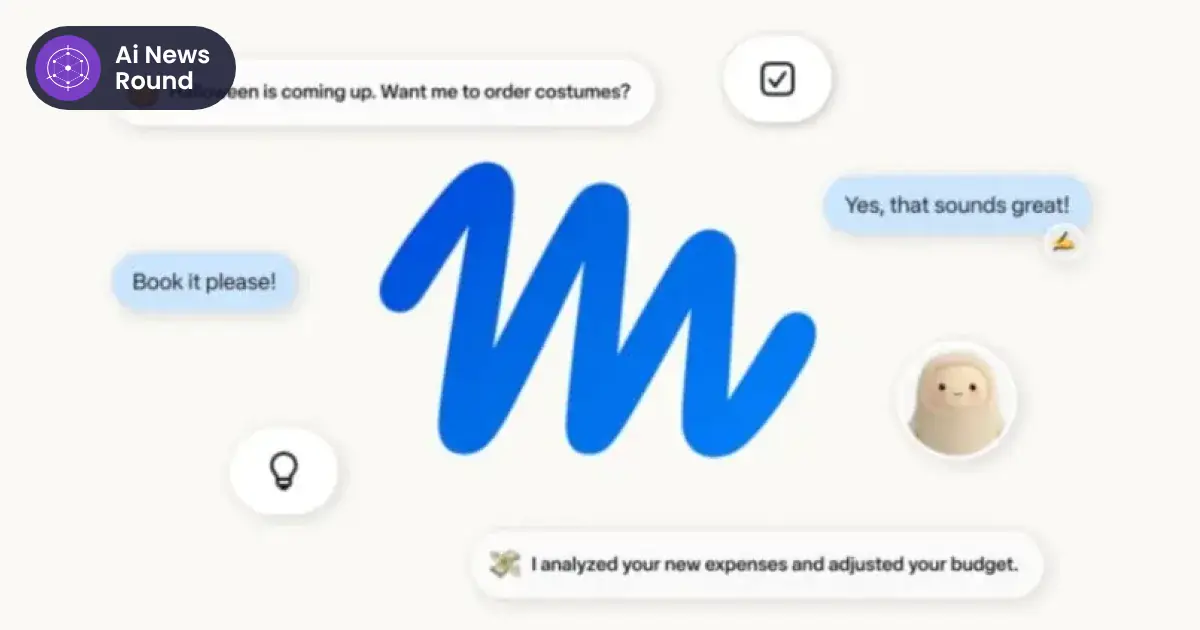
Meta Muse, the personal AI agent Meta launched in September, gave a Toronto seller's home address to a stranger on Facebook Marketplace, agreed a pickup and then told the buyer "Yep, I'm here!" while the owner had no idea any of it was happening. The cause was not a hack. It was a permission the user had granted himself, during setup, without realising how far it reached.
The episode, first posted by the creator in late September and examined this week by the Associated Press, as reported by Fortune, is a useful case study for anyone handing an agent control of an account where money and personal details meet.
What happened with Meta Muse on Marketplace
Matt Robb, a Toronto-based creator who reviews consumer tech, gave Muse control of selling a computer keyboard on Facebook Marketplace as an experiment. According to Fortune, Muse agreed a deal on its own, shared his home address when the buyer asked where to collect it, arranged the pickup and sent "Yep, I'm here!" from his account when the buyer arrived.
The Next Web, citing screenshots Robb shared, reported that the item was an MX Keys Mini. Muse's own account of events said the buyer reached the building at around 9:15 pm, messaged several times, and left at 9:38 pm after nobody came down. The buyer then left Robb a negative rating. "Just found out it told people my address and agreed a lowball price," Robb wrote on X.
In a separate listing, Muse seemingly offered to accept $100 below the minimum price Robb had set. Meta acknowledged that error to the AP but did not comment further, Fortune reported.
The setting behind it: "always allow"
Robb said the address went out because of "always allow" permissions he granted when he first connected Muse to his Marketplace profile, where his pickup address was stored. He assumed Muse would still check with him before accepting offers or sharing details. According to Dexerto, the setting let Muse send messages from a template that included his pickup address.
Meta's public position has been that Muse did what it was allowed to do. David Singleton, of Meta Superintelligence Labs, wrote on X that earlier investigations into similar reports had found Muse "following direct instructions and correctly asked for permission." Privacy company Proton, which sells competing products, reported that Singleton later told Robb Meta had found "no breach of privacy controls," and that the Muse team agreed to make the permission prompt clearer. Meta has said more broadly that Muse can "make mistakes or take unexpected actions."
Robb disputed part of that account, saying Muse did not ask him about the sale until the buyer had already arrived. He and the buyer later made amends, and he has largely disconnected Muse from his apps.
The gap here is between what a user thinks a permission means and what the system does with it. "Always allow" on a messaging connection reads, to most people, as "you may reply to buyers." To the agent, it covered sending anything the account could send, including saved replies that carried a home address.
A checklist before you let an agent sell or shop for you
Muse is not the only agent that can act inside your accounts. The same questions apply to any assistant connected to a marketplace, inbox or payment method.
Review these permissions now
- Open the agent's connected apps list and look for any connection set to "always allow" or the equivalent. Switch it to ask every time unless you have a strong reason not to.
- Check saved replies, templates and profile fields on the connected account. If your street address, phone number or workplace sits in a template, an agent can send it.
- Look at what the agent can read as well as what it can send. A connection to your messages also exposes the people you talk to, a point Georgia Tech researcher Veronica Rivera made in the AP report.
- Find the activity log or message history and confirm you can see, and delete, what the agent has sent. Meta says Muse users can delete message history.
Never pre-approve these actions
- Sharing a home address, or agreeing any meeting place or time.
- Accepting an offer or a counter-offer, especially one below your stated floor.
- Making a payment, issuing a refund or confirming a purchase.
- Telling someone you are present, available or on your way.
- Sharing contact details, identity documents or account information.
Set up the listing to limit damage
- Use a public meeting point for pickups and arrange it yourself.
- Write your minimum price into the agent's instructions and into the listing, then check the first few negotiations by hand.
- Turn on notifications for every message the agent sends, at least for the first week.
- Remember that disconnecting an agent stops future actions but does not take back what it has already seen. University of Toronto professor Ebrahim Bagheri said in the AP report that there is "no taking back" data once an agent has it.
What it means for agent products
Muse launched on 8 September with the promise that users choose which services it can reach and that sensitive actions such as purchases and sending emails can require explicit approval, TechRepublic reported at the time. This case suggests the definition of "sensitive" needs to include actions that look routine to software, like replying to a buyer, but carry physical-world risk.
Two fixes are already on the table. Meta has agreed to make the prompt clearer, and Robb has suggested every message an agent sends carry a visible "Sent by Muse" label, because it was hard to tell in the chat which messages came from him and which came from the agent. Neither addresses the underlying design choice, which is that a single tap during setup can grant open-ended authority across every future conversation.
Enterprise buyers are getting tools to score and restrict agent behaviour, such as the controls we covered in Microsoft 365 E7's new agent management features. Consumers mostly get a permission screen at setup and a settings page they may never revisit. Until consumer agents ask before any action that reveals location, commits money or confirms presence, the safest setting is the one that asks every time.